
Useful Hermes Agent skills address unclear design, unfamiliar code, weak messaging, research access, or unverified implementation. Here are ten practical choices, with a suggested prompt and limitation for each. Start with your project’s problem.
The first five come from Yusif’s Azerbaijani narration, reordered with Reinspro first. The remaining five are article bonuses, not additional video selections. PulseDesk, a customer support product, is hypothetical, not evidence of successful installations or measured results.
Skills provide instructions, tools execute operations, and MCP connects external tools.[21][37] Hermes supports skill documents, but third-party workflows can require dependencies, permissions, and client-specific adaptation.[21]
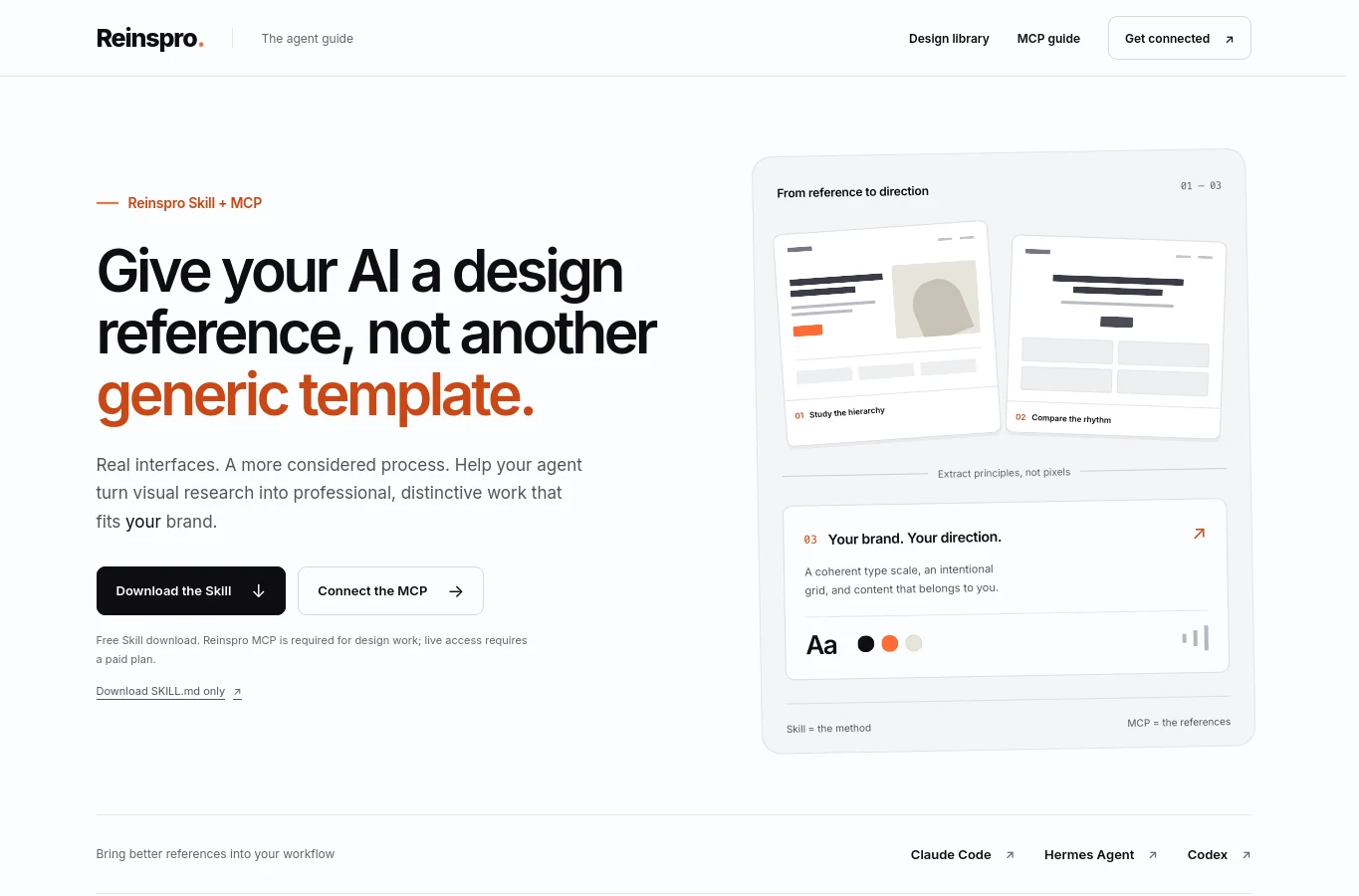
1. Reinspro: Design from Real References
Use the Reinspro skill guide when a pricing page, hero, or onboarding screen looks generic. Its workflow starts with the product, audience, and primary action, then compares actual references before defining a coherent visual direction.[1] Adapt hierarchy and spacing to your brand instead of copying a complete composition.[1]
Suggested prompt: “Help PulseDesk customers compare three plans and request a demo. Explain each design decision using inspected references.” The current instructions require a successful authenticated Reinspro MCP read before reference-based design work.[1] Reading the public skill does not connect MCP or grant paid access.[1]
On October 11, 2026, its homepage labels MCP access unavailable.[34] Do not assume payment enables a working connection. If authorization or images are unavailable, stop that workflow; a desktop screenshot also cannot prove mobile or keyboard behavior.[1][34]
2. Graphify: Understand Code Relationships
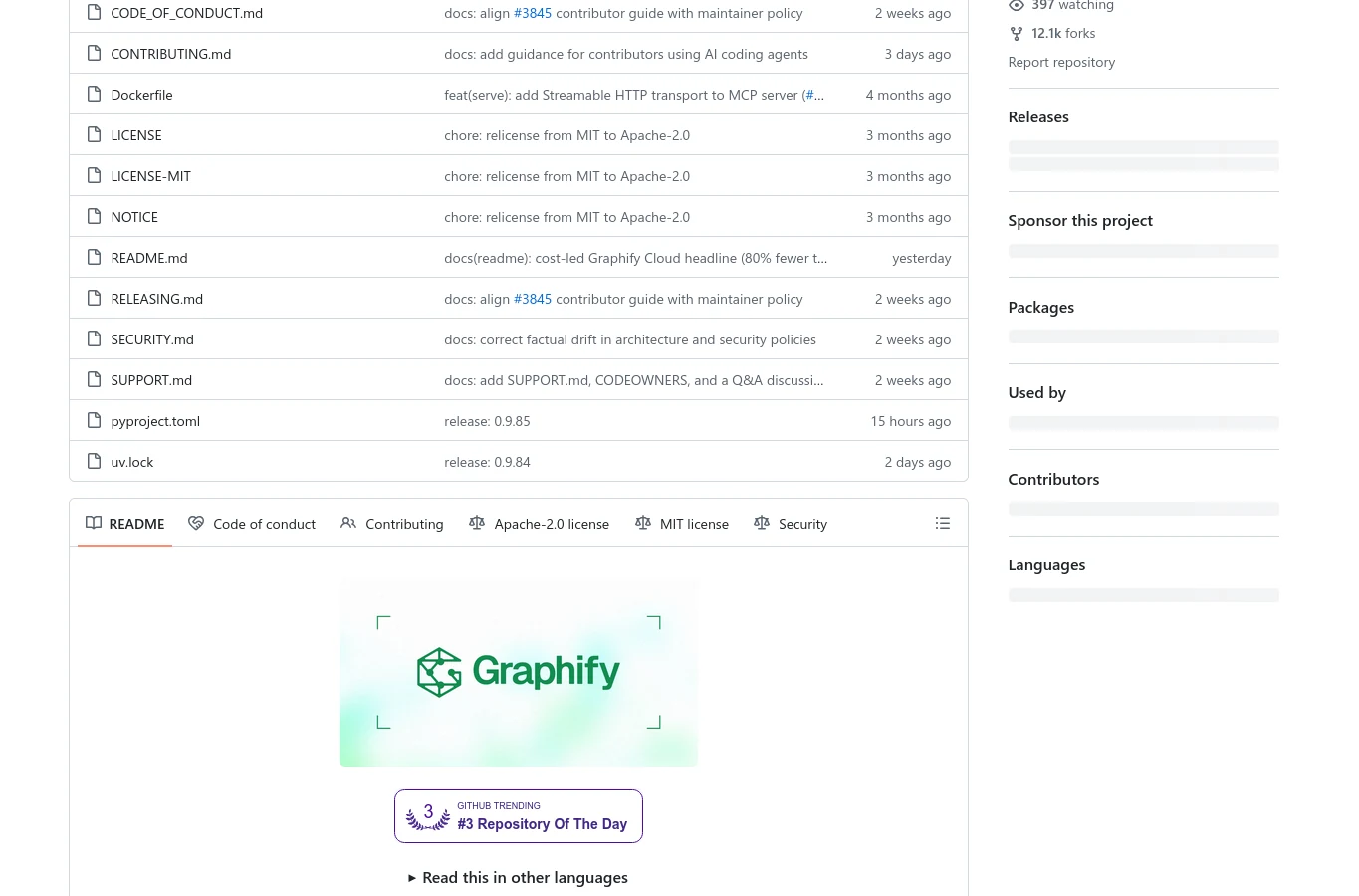
Choose Graphify for unfamiliar repositories or tracing a change’s impact. It builds a queryable knowledge graph, with local structural parsing for code and a separate semantic path for documents or media.[2] Its official instructions include a Hermes installation option.[2]
Try: “Trace PulseDesk’s login request from interface to handler. Identify the relevant files and confirm each relationship against source code.” Request orientation before a fix. Treat the graph as navigation, not final authority.
Refresh the map when code changes, and inspect inferred relationships rather than trusting them automatically. Exclude credentials and customer data. For a known one-file edit, directly reading that file may be simpler than building a graph.[2][3]
3. Marketing Skills: Clarify the Offer
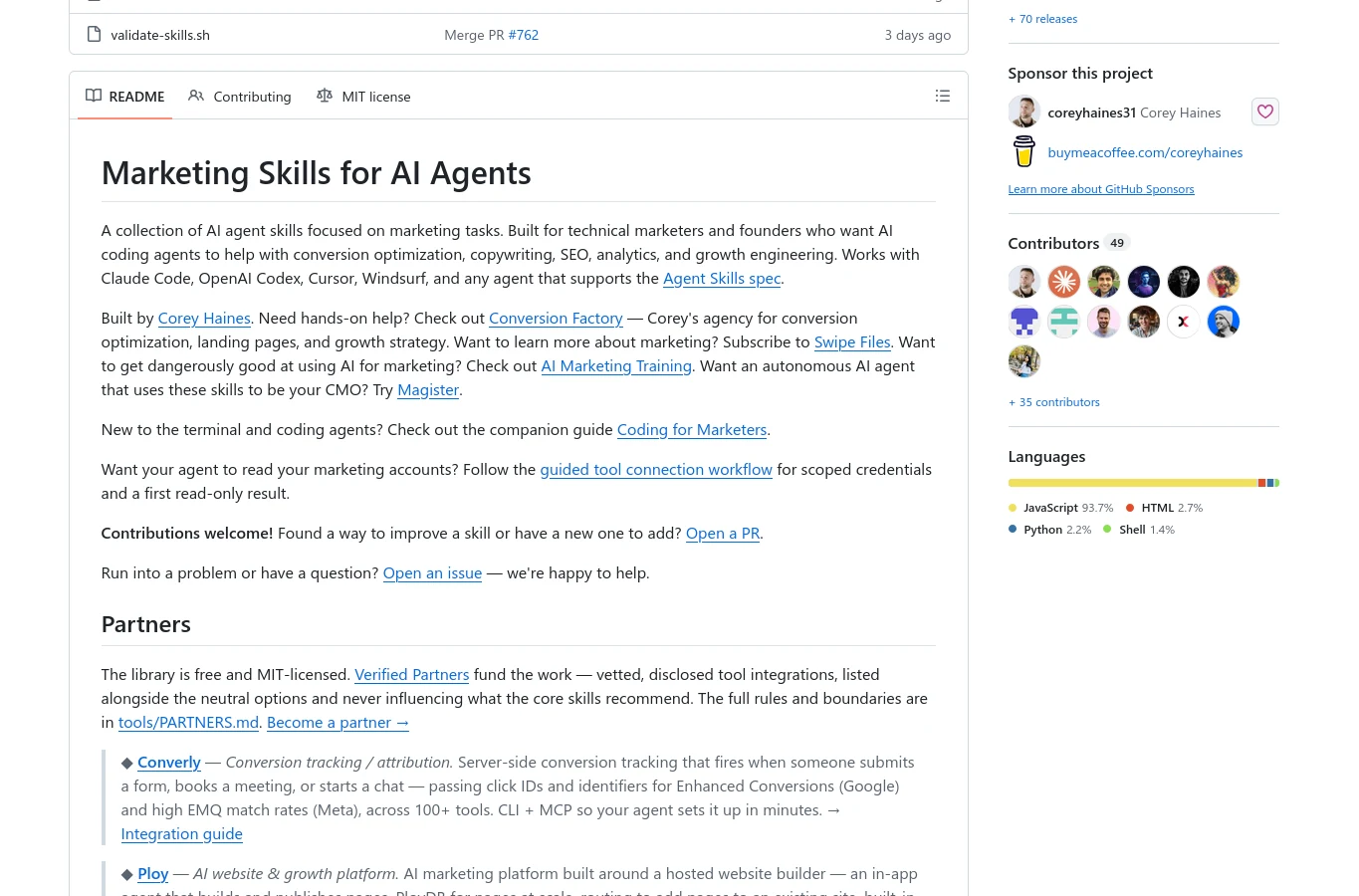
Corey Haines’s Marketing Skills repository contains separate workflows for copywriting, conversion optimization, SEO, and related marketing tasks.[4] Load relevant instructions rather than the whole collection. For a confusing landing page, copywriting and CRO are useful starting points.[5][6]
Provide the audience, traffic source, product facts, and primary conversion goal. Suggested prompt: “Review PulseDesk’s landing page for small teams arriving from search. Prioritize clearer messaging and demo requests; separate immediate fixes from test hypotheses.” Require evidence for testimonials or numerical claims.[5][6]
A more specific headline is a hypothesis, not proof of higher revenue. Measure qualified demo requests, not only button clicks. Verify that Hermes can discover the selected skill and its supporting files; a repository download alone does not establish an active integration.[21]
4. Agent Reach: Check Research Access
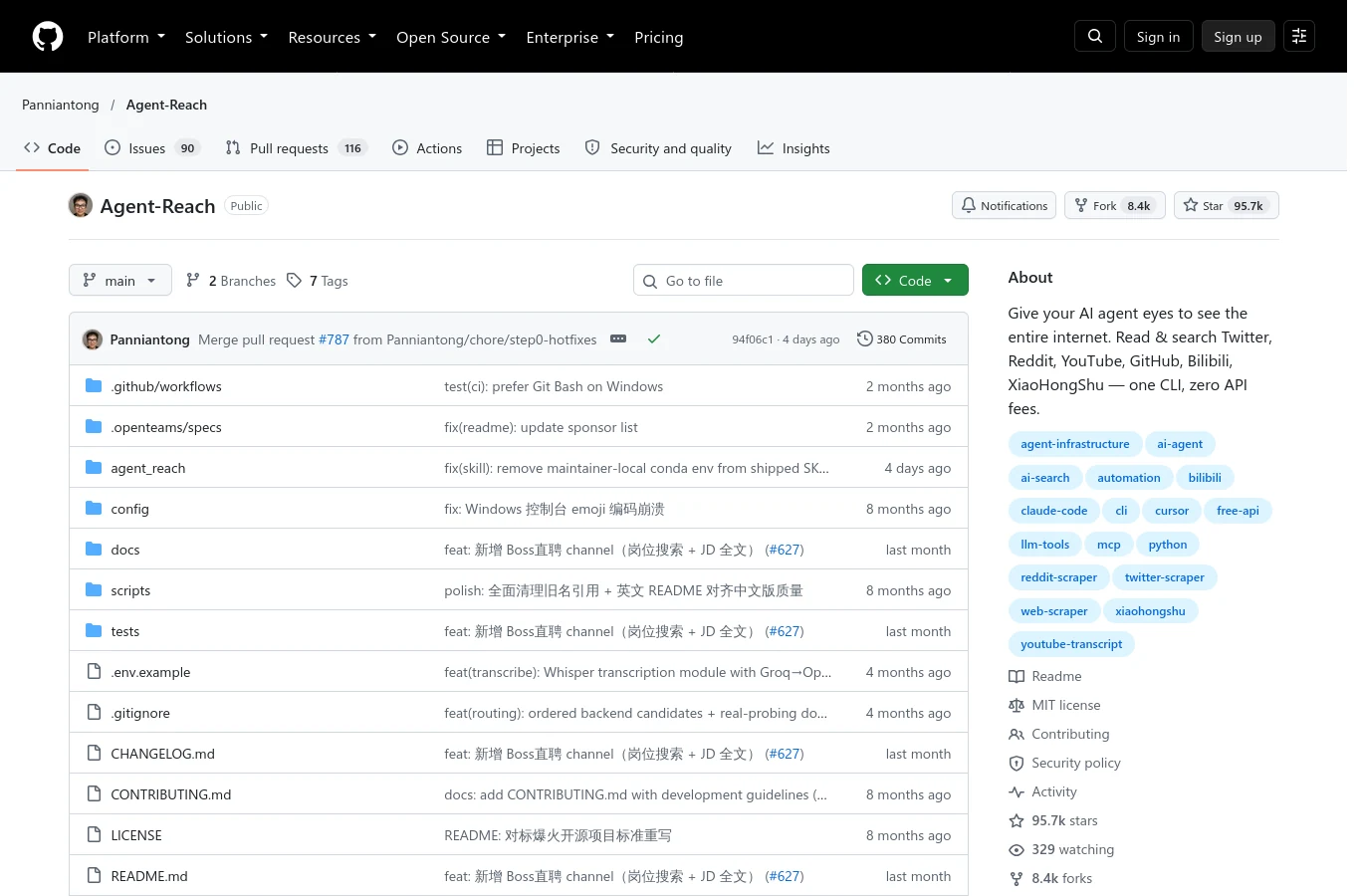
Agent Reach combines channel setup and diagnostics for internet research.[7] It is supporting software with agent instructions, not a guarantee that every platform is readable. The installation guide distinguishes check-only behavior from explicitly authorized system installations and provides a doctor command for channel status.[7][8]
Use it when research spans several channels. Try: “Find public discussions about scattered customer support messages. Return each source link, its observation, and your interpretation. State which channels failed.” Inspect diagnostics before describing a channel as ready.
Public access, authenticated access, and blocked access are different states. Protect cookies and tokens, use only authorized accounts, and respect platform restrictions. Repeated claims can share one original source, so collecting links does not replace fact-checking. A local code edit rarely needs this workflow.[8]
5. Superpowers: Make Completion Evidence-Based
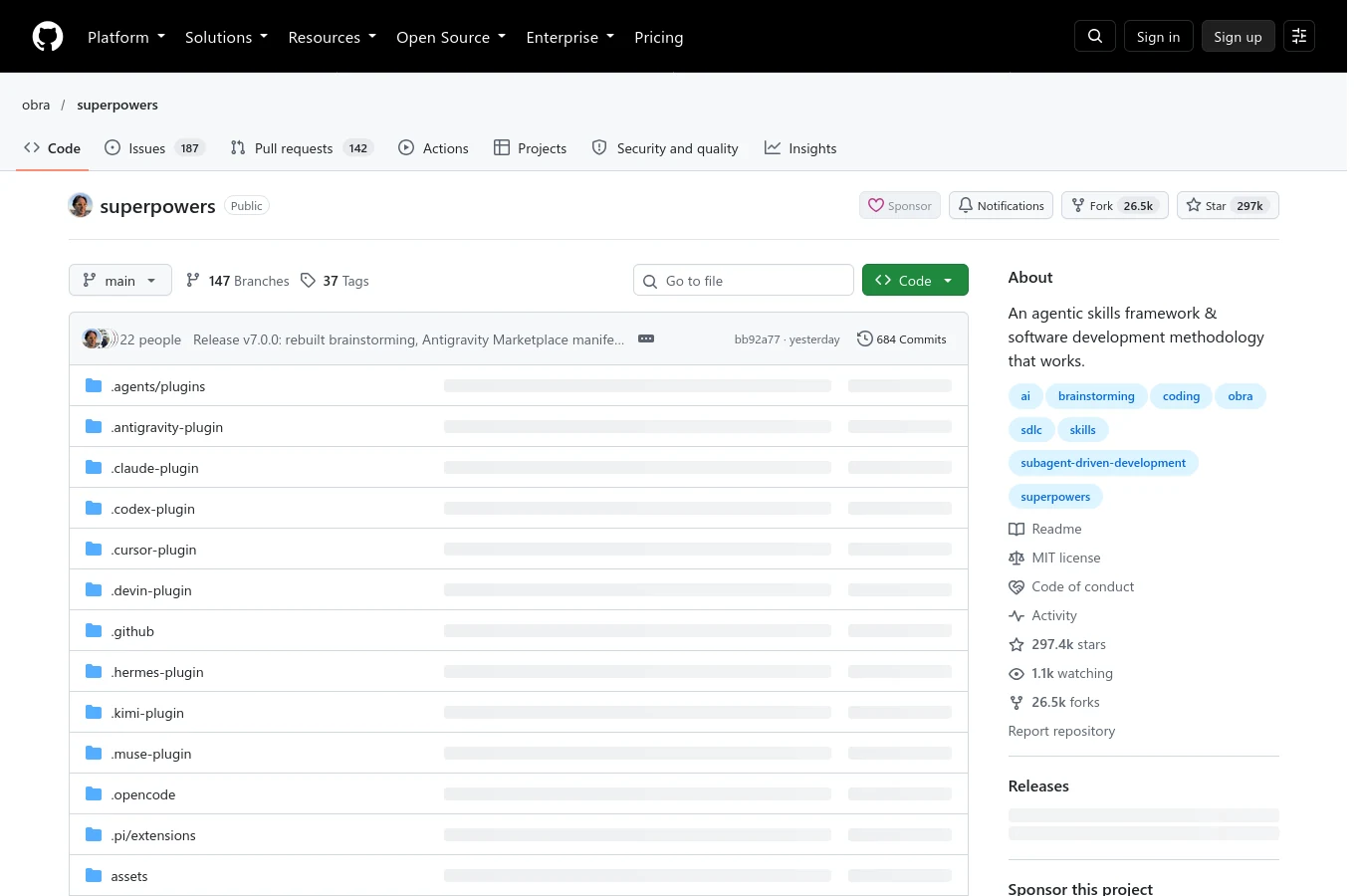
Superpowers is a development methodology built from composable skills.[9] Its workflows cover clarification, planning, testing, review, and verification.[9] The repository documents a Hermes plugin installation path and tells users to restart active sessions afterward.[9]
Choose it for a bug fix or feature. Suggested prompt: “PulseDesk’s demo form must reject an empty email. Define the expected error, write a failing test, make the smallest fix, and rerun relevant checks.” Clarify whether invalid formats are also within scope.
Require the actual commands and results, not a confident completion statement. Passing one test does not prove related flows remain intact. Weak requirements and weak tests still produce weak evidence; keep the process proportionate rather than opening a development ceremony for a simple factual answer.[9][10]
6. Agent Browser: Automate and Record
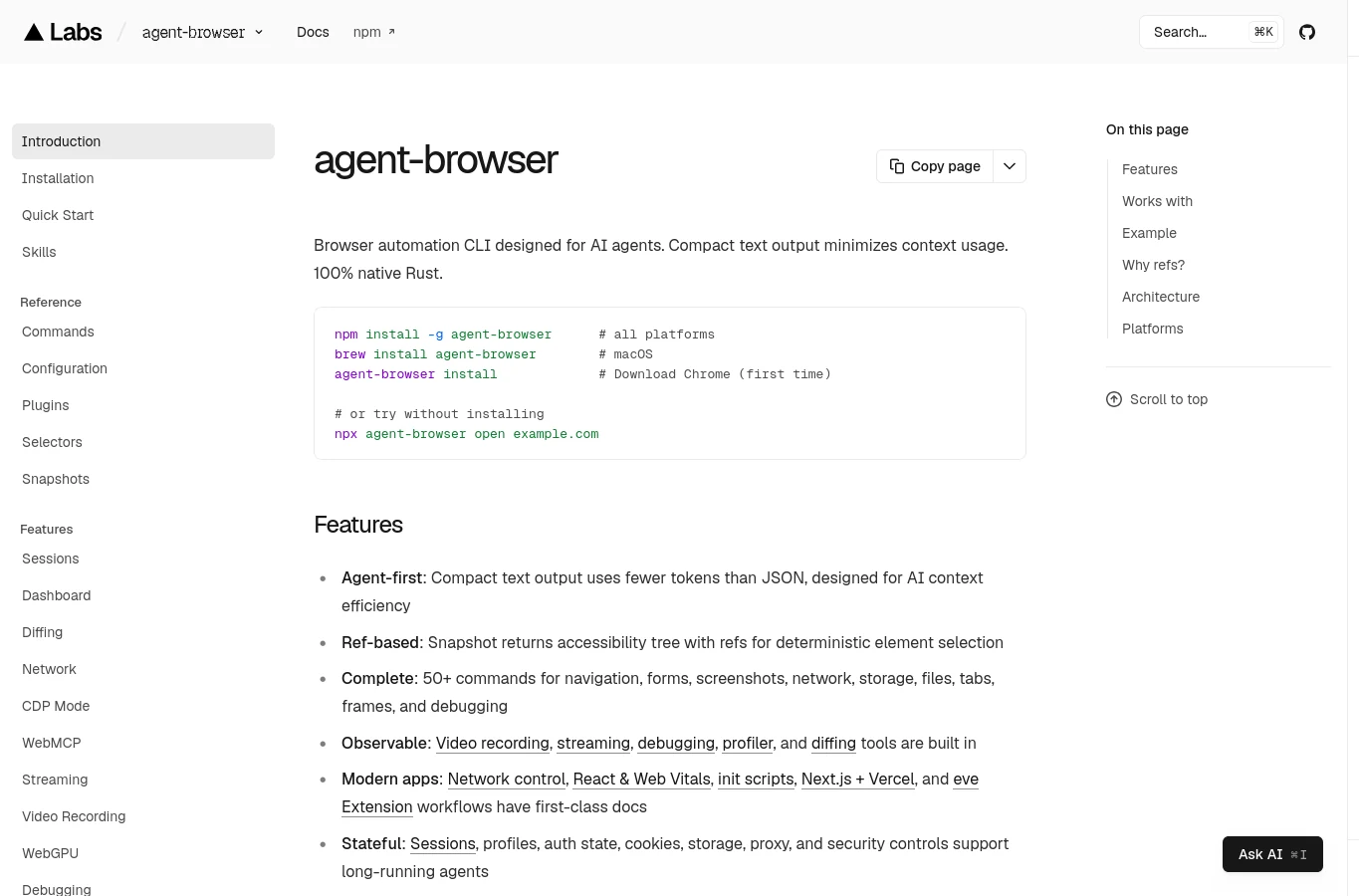
Vercel Labs’ Agent Browser is a browser automation CLI with accompanying skills.[11] It uses accessibility snapshots and element references for interaction, and supports screenshots and recording.[11][20] The tool supplies browser actions; the skill explains how to use them.
Choose it for walkthroughs or browser evidence. Try: “Open PulseDesk’s pricing page, inspect the snapshot, select a plan, and record the resulting demo flow.” Refresh references after navigation rather than assuming old identifiers still describe the page.
Recording has runtime and encoder requirements. Stop the recorder and inspect the saved file before calling capture complete. Browser footage does not automatically include terminal activity, narration, avatars, or finished editing. Avoid capturing credentials or real customer information.[20]
7. Frontend Design: Implement an Intentional Interface
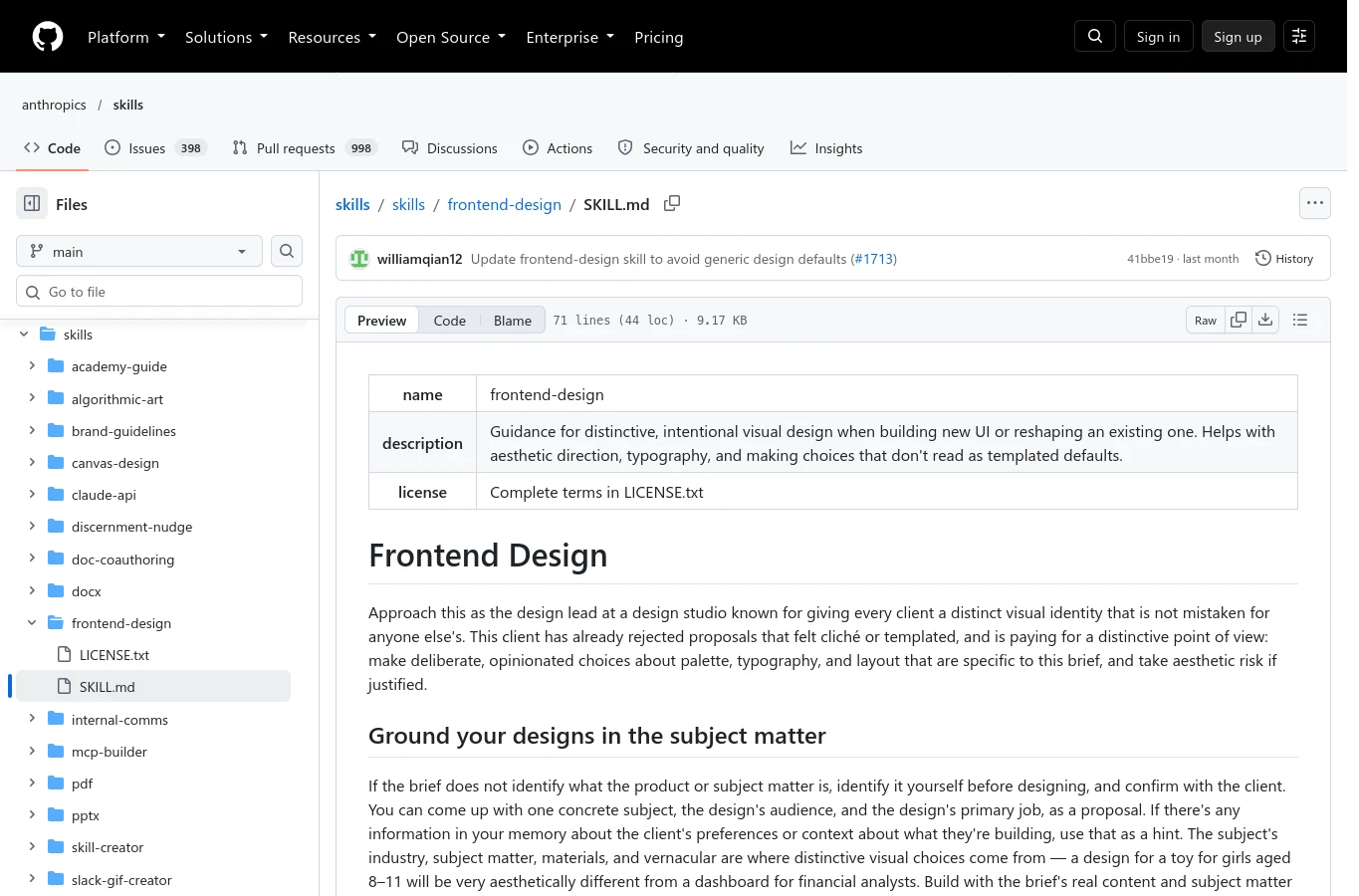
Anthropic’s Frontend Design skill guides distinctive interface implementation through deliberate typography, palette, layout, and content choices.[12] It is a design instruction document, not a component library or an automatic connection to Hermes. Inspect its format and references before adapting it.[12][21]
Use it after the product brief and visual direction are clear. Suggested prompt: “Implement PulseDesk’s approved pricing direction in the existing stack. Preserve plan facts, use consistent tokens, and include loading, error, and mobile states.” Pair it with authorized Reinspro references when available.
Do not change established branding merely to avoid a fashionable template. Distinctiveness is not accessibility. Verify focus visibility, contrast, responsive wrapping, and real interactions in the browser. A striking screenshot can hide a broken form.[12]
8. Remotion: Turn Explanations into Video
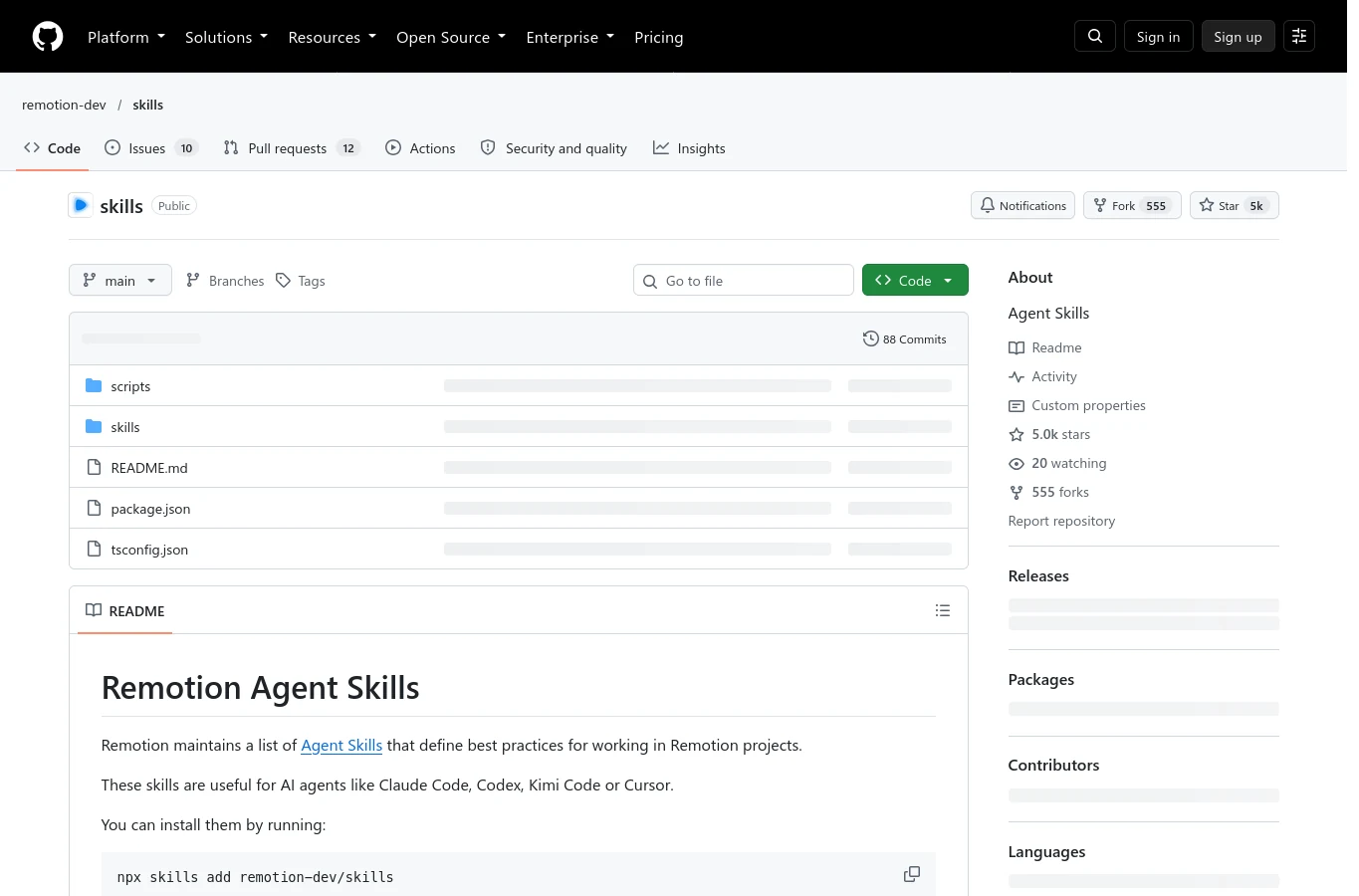
Remotion’s official skills cover creating compositions, React markup, previews, rendering, captions, and related video tasks.[13][16] Choose them for explanatory animations or reusable product videos. The skill collection guides work in a Remotion project; it is not the rendering runtime.[13][16]
Try: “Animate the verified login path, then show the real test result. Keep labels readable and synchronize highlights with narration.” Use captured evidence as input, and distinguish proposed visuals from observed outcomes.
Preview the composition and request an export explicitly when needed. A script or scene plan is not a rendered video. Check timing, typography, sound, and readability after rendering. Never animate an invented success message as though it came from actual execution.[16]
9. Playwright CLI: Exercise Real User Flows
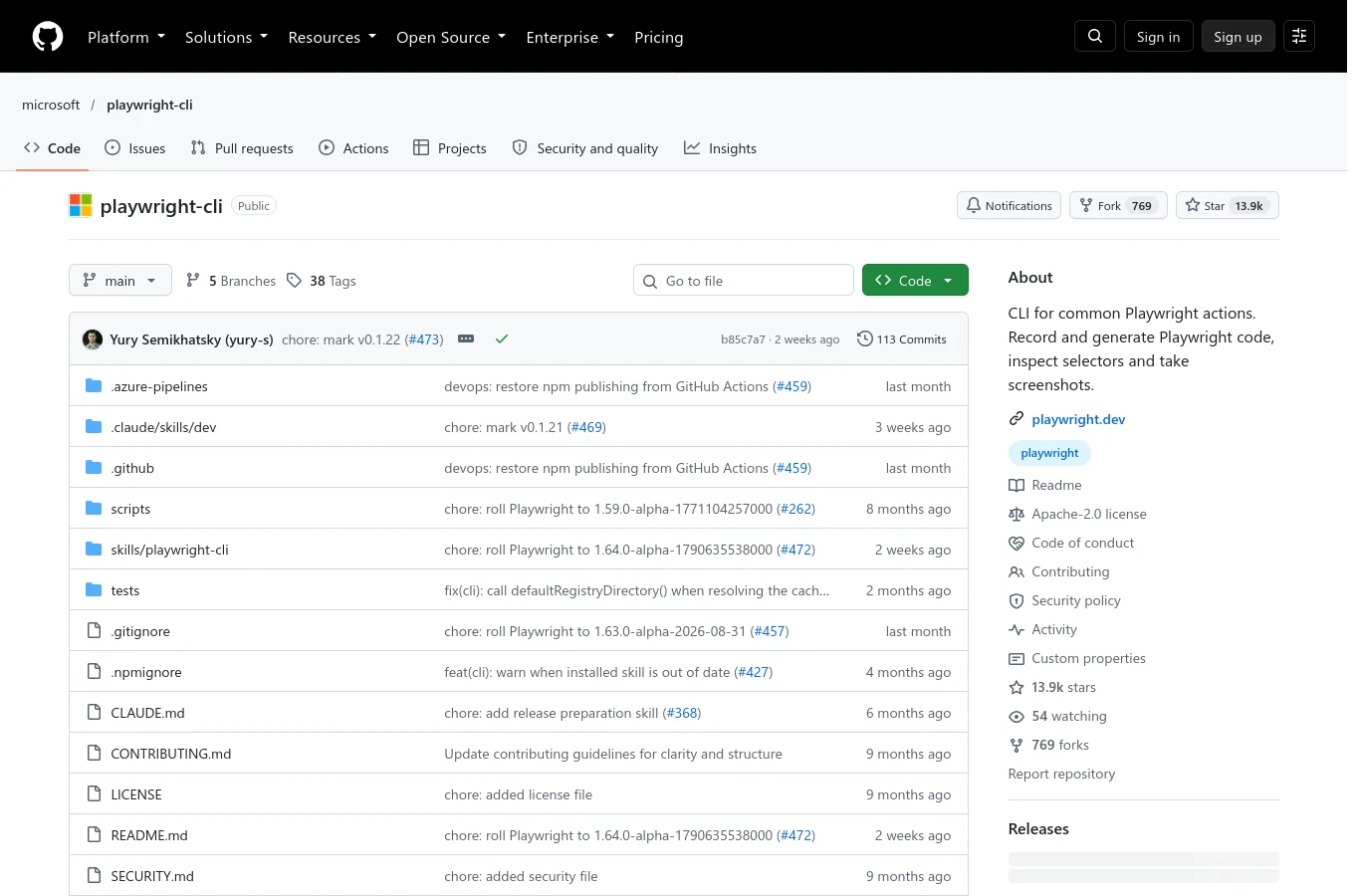
Microsoft’s Playwright CLI exposes browser actions through commands and a dedicated skill.[19] Its official documentation distinguishes this CLI workflow from Playwright MCP.[19] It can inspect snapshots, interact with pages, capture screenshots, inspect console output, and work with Playwright tests.[14]
Choose it when you need reproducible interaction checks. Suggested prompt: “Test PulseDesk’s demo form with empty and valid email values. Check the visible error, successful state, keyboard navigation, and console. Save evidence and identify untested cases.” Use controlled test data.
Node and browser prerequisites still need verification. An exploratory session is not automatically a maintained regression suite. Turn important checks into repeatable assertions, and run them again after changes. Screenshots complement behavioral evidence; they cannot establish that submission reached the correct backend.[14][19]
10. PDF Toolkit: Handle Documents Reliably
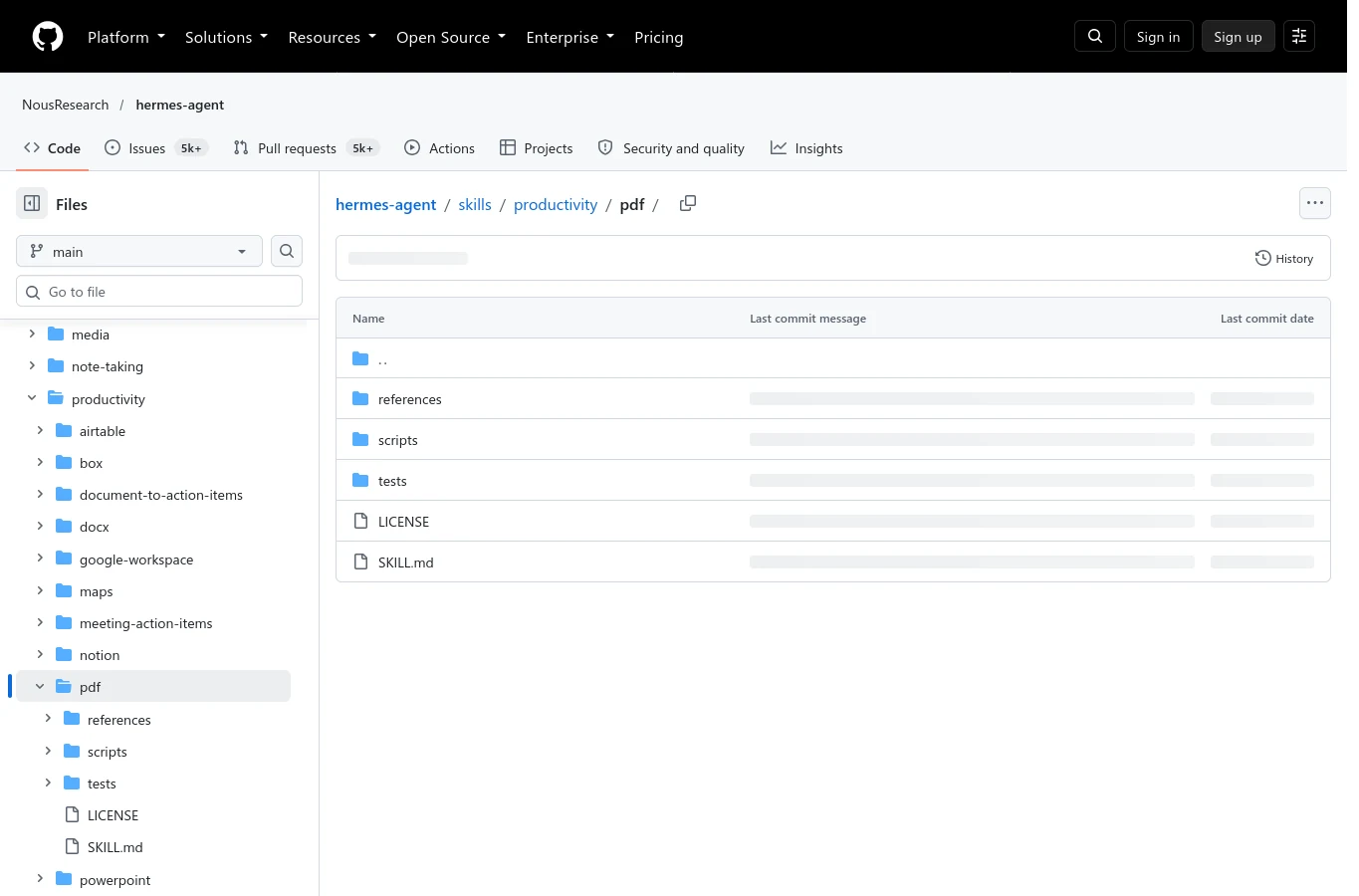
Hermes’s official PDF skill is a practical document toolkit, with instructions and helper scripts for creation, extraction, merging, splitting, forms, and metadata.[35] It uses libraries such as pypdf, ReportLab, and pdfplumber, while scanned-document extraction follows separate referenced instructions.[35]
Use it for reports or customer documents. Try: “Extract the plan table from this PDF, retain page references, and flag uncertain cells. Then create a comparison report without changing prices.” Inspect whether pages contain text or only images before selecting extraction.
The scripts require dependencies; having the skill does not install every library. Table extraction can be imperfect, and saved form values may display incorrectly. Reopen outputs, compare fields and page counts, and inspect rendered pages when layout matters. Keep sensitive documents out of public artifacts.[35]
Build a Workflow, Not a Collection
For PulseDesk, research with Agent Reach, clarify messaging with Marketing Skills, choose a design direction, explore unfamiliar code with Graphify, and execute with Superpowers. Add browser checks, documents, or video when needed. Use Reinspro only after verifying its required access.
Start with one problem and one skill. Define success, run the workflow, and inspect the output. Preserve links, test results, and limitations. Better instructions should produce decisions you can explain and outcomes you can verify.
Questions Before You Install
Can every repository work in Hermes unchanged?
No. Check discovery, dependencies, supporting files, licensing, and client-specific assumptions. A skill document does not automatically install a CLI or configure MCP.[21]
Are all ten skills in the video?
No. The narration’s main list contains five. Agent Browser, Frontend Design, Remotion, Playwright CLI, and the PDF toolkit are complementary article bonuses.
Primary sources
- reinspro-skill
- graphify-readme
- graphify-skill
- marketing-readme
- marketing-cro
- marketing-copy
- agent-reach-readme
- agent-reach-install
- superpowers-readme
- superpowers-verification
- agent-browser-skill
- frontend-design
- remotion-readme
- playwright-cli-skill
- remotion-skill
- playwright-cli-readme
- agent-browser-recording
- hermes-skills
- Reinspro homepage current availability
- Hermes official PDF skill
- Hermes official MCP guide